
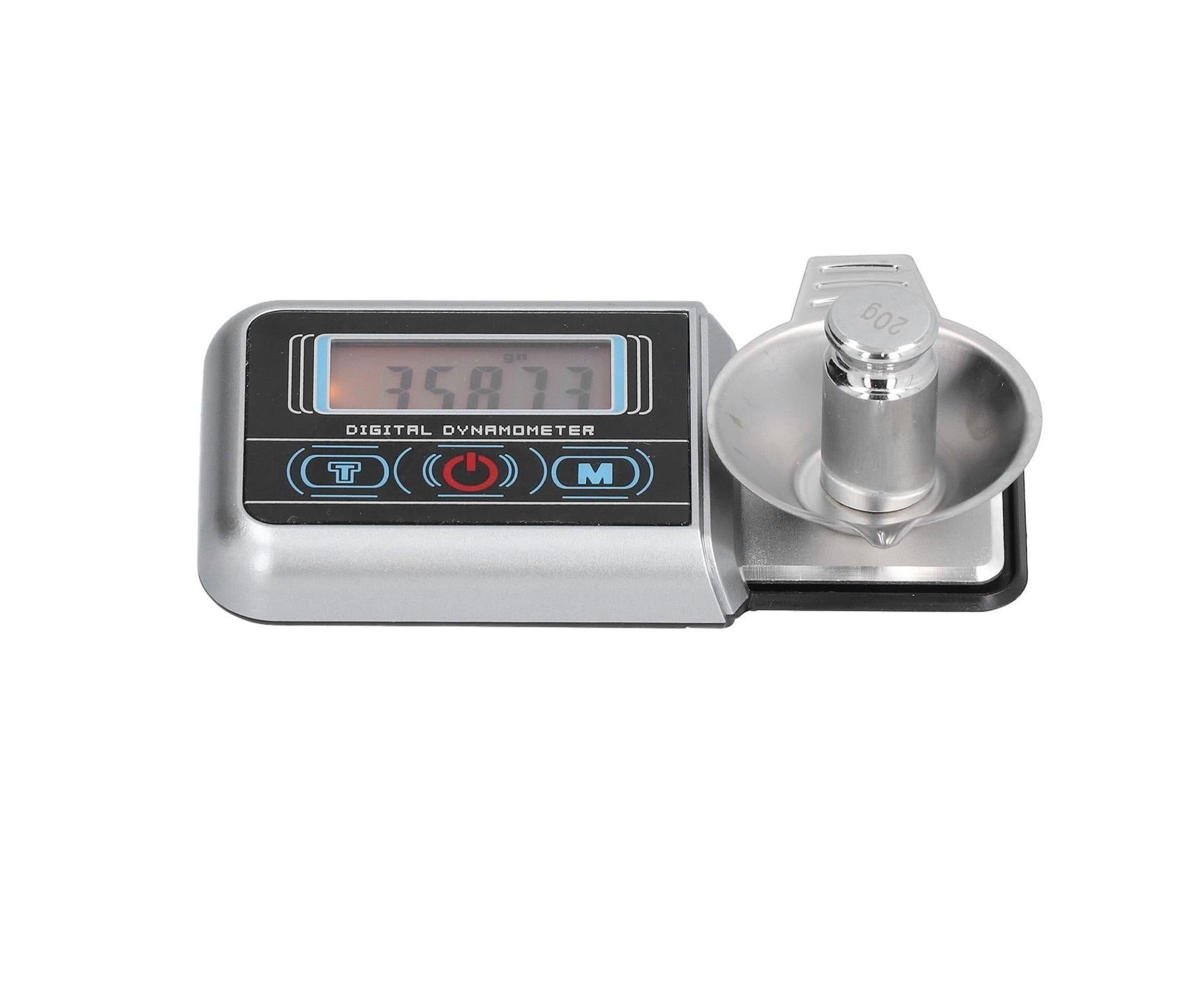
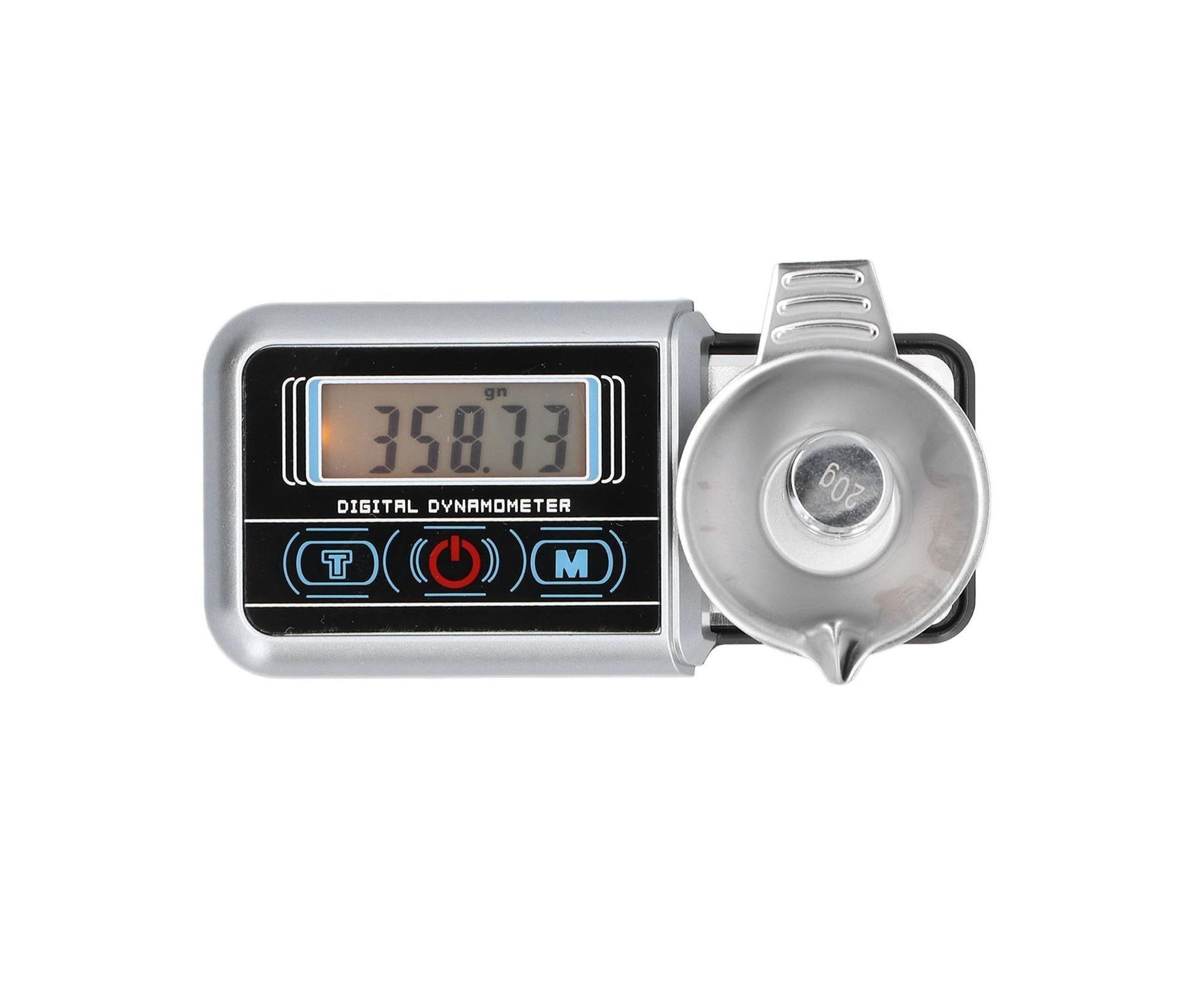
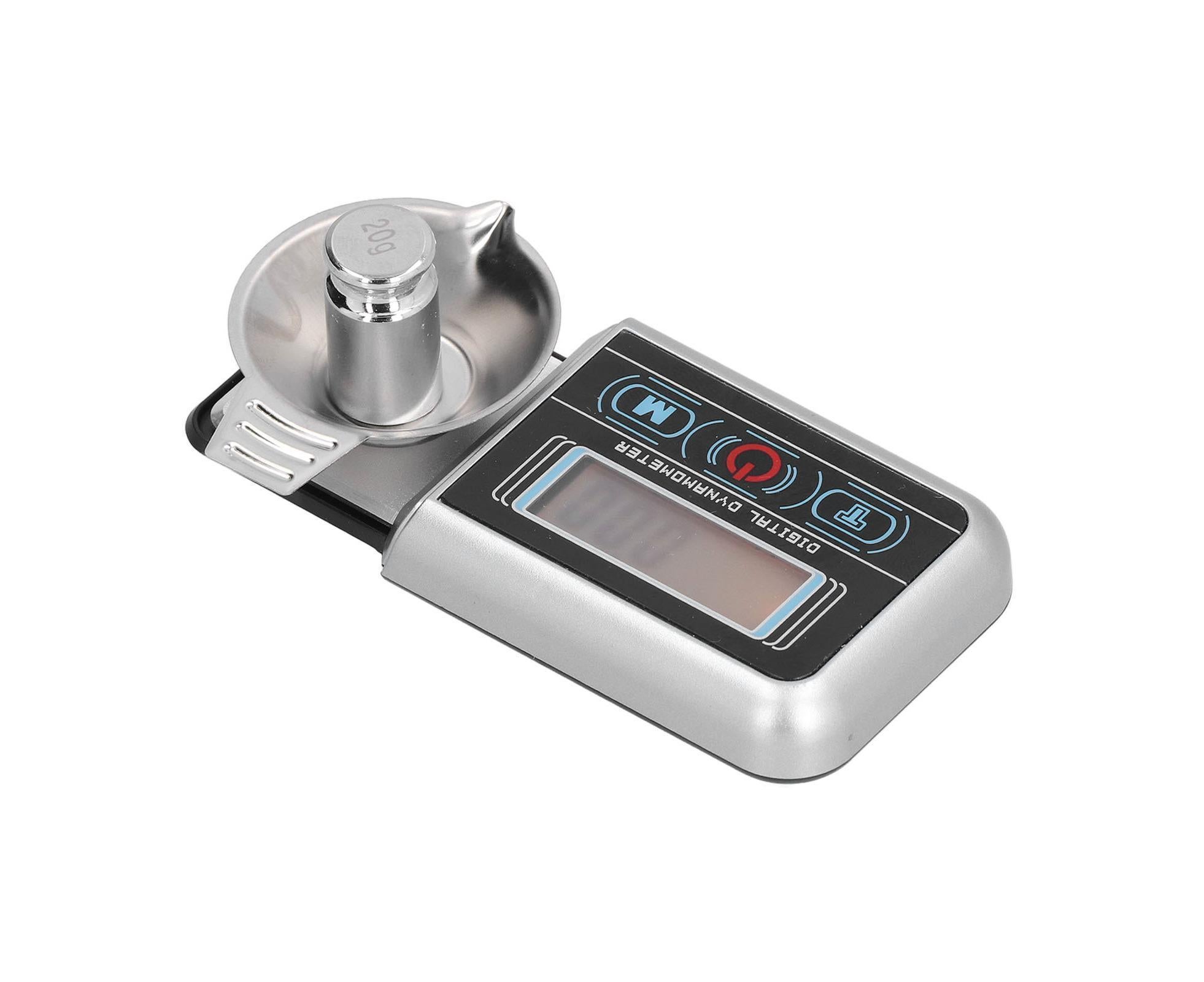
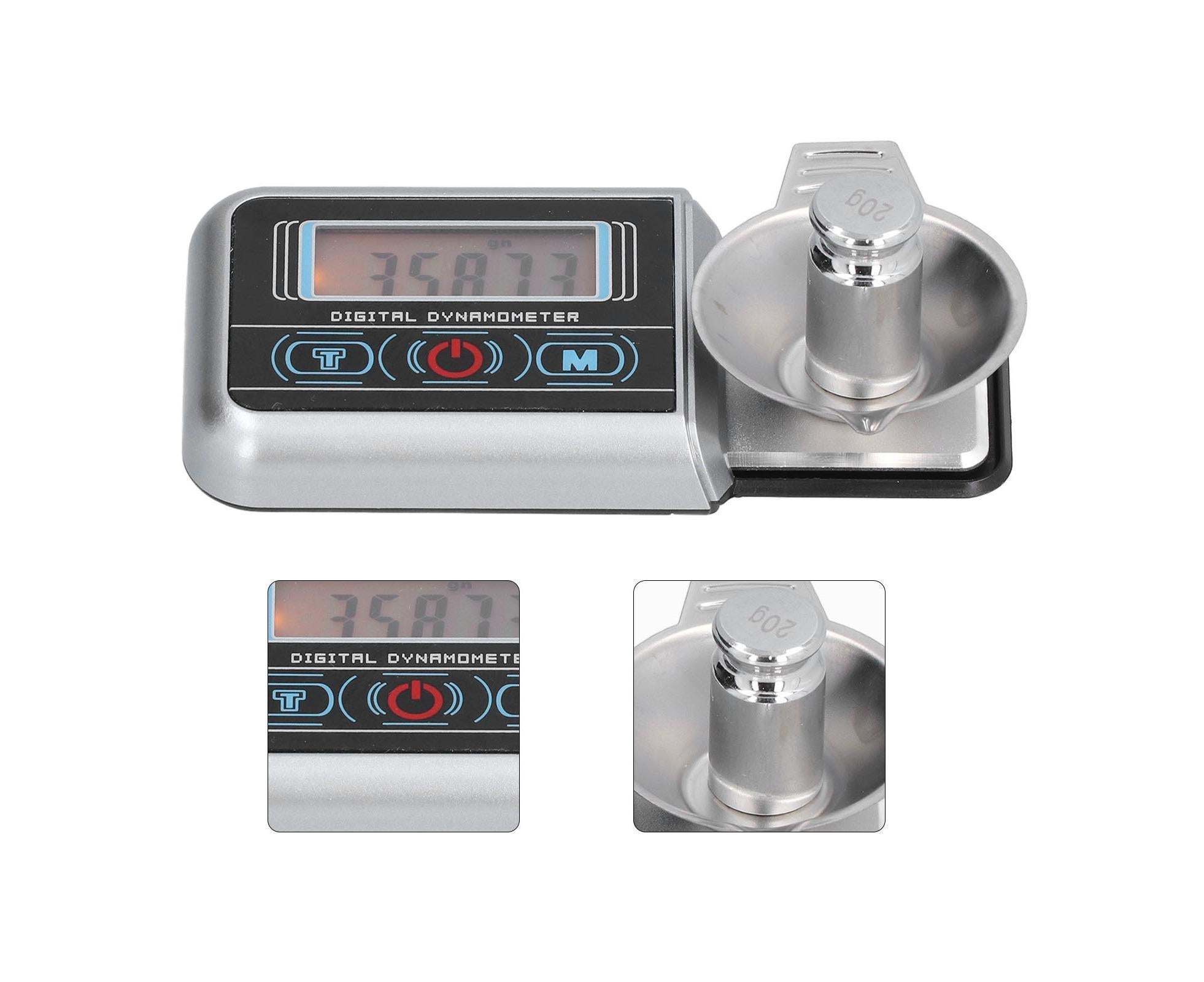
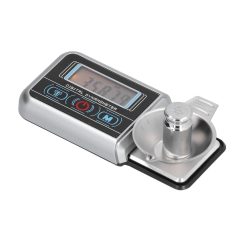
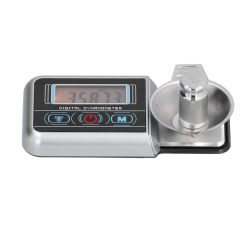
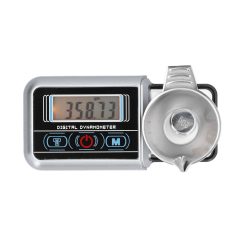
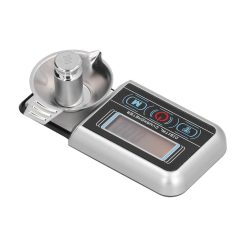
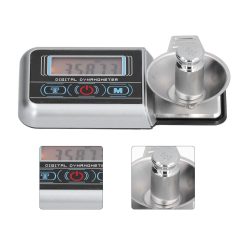
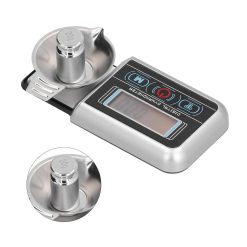
Digital jewellery scale 0.005g-100g with LED display
Was $41.99$34.99
- Fast dispatch from AU
- 30-day returns
- Secure checkout
- Pay in 4 available
Feature:
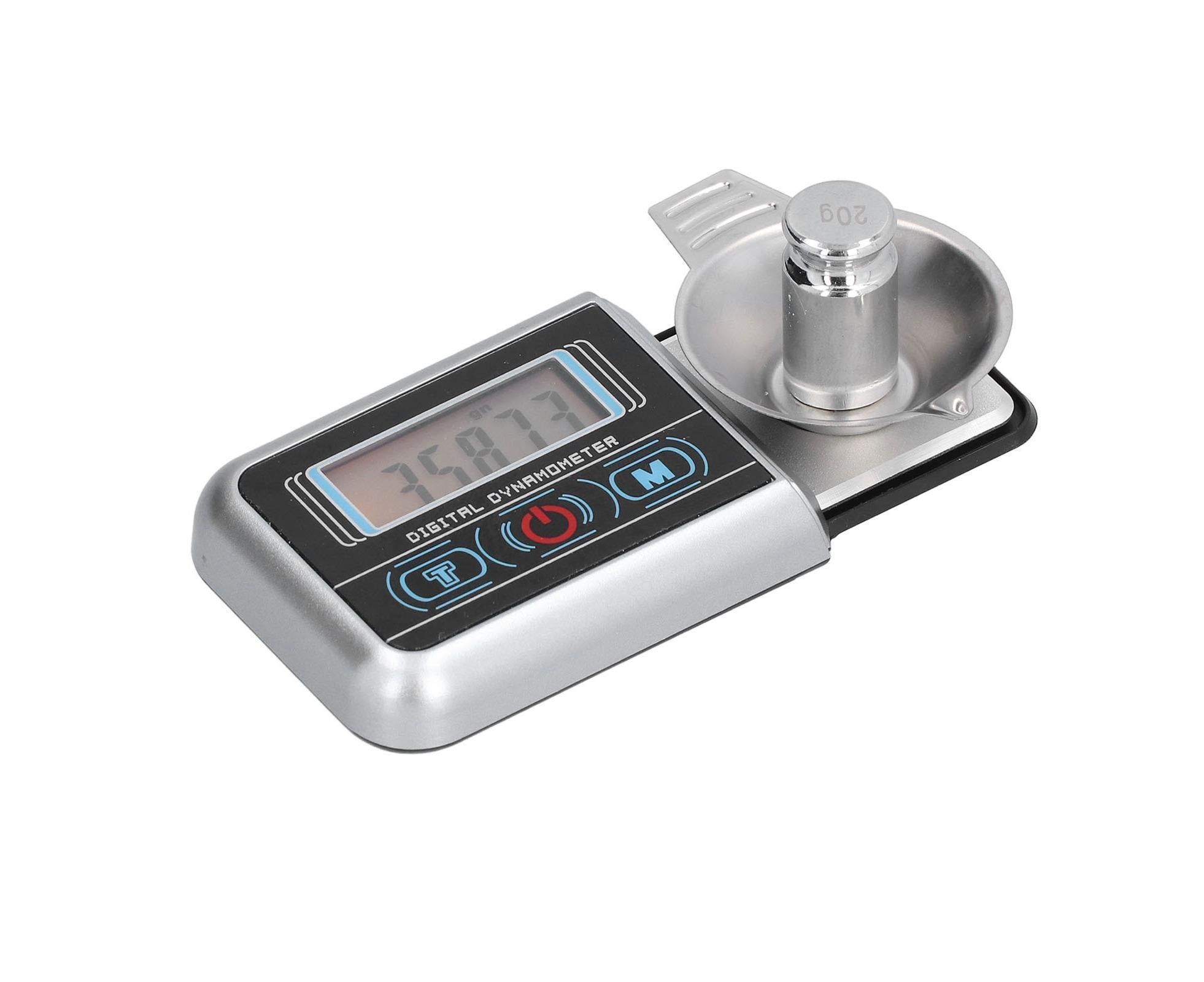
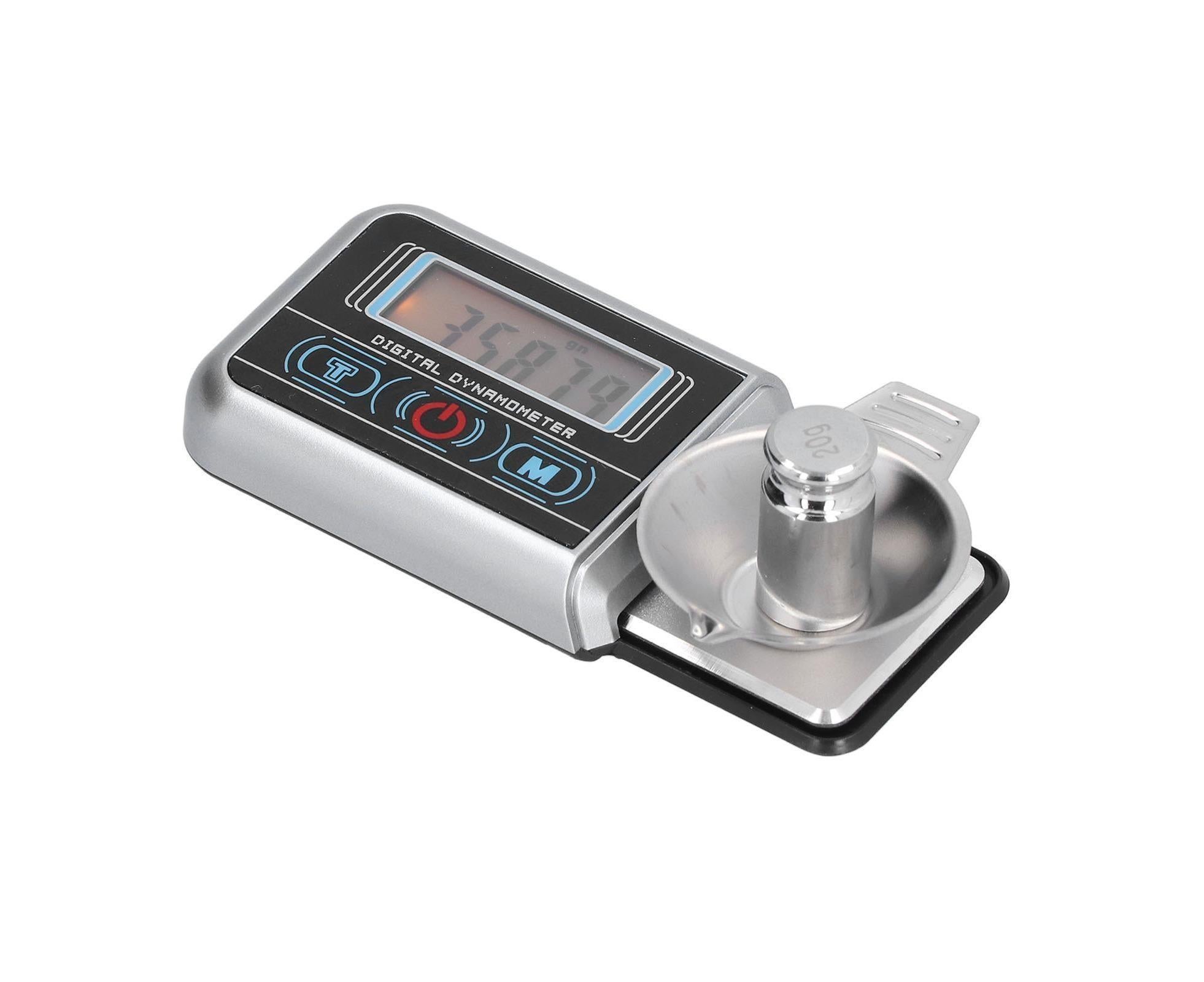
1. LED Display: The electronic scale has a large LED display, blue backlight, and the reading is clearly visible even at night.
2. Anti Slip Design: There is a rubber anti slip pad at the bottom of the mini electronic scale, which is stable and non?slip when used on the tabl
In stock
Ordering in Bulk?
We offer custom pricing and delivery for large orders.
Bulk Order FormRelated products
Industrial Tools
Was $51.59$42.99
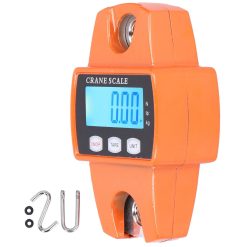
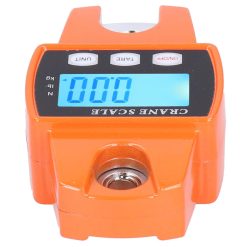
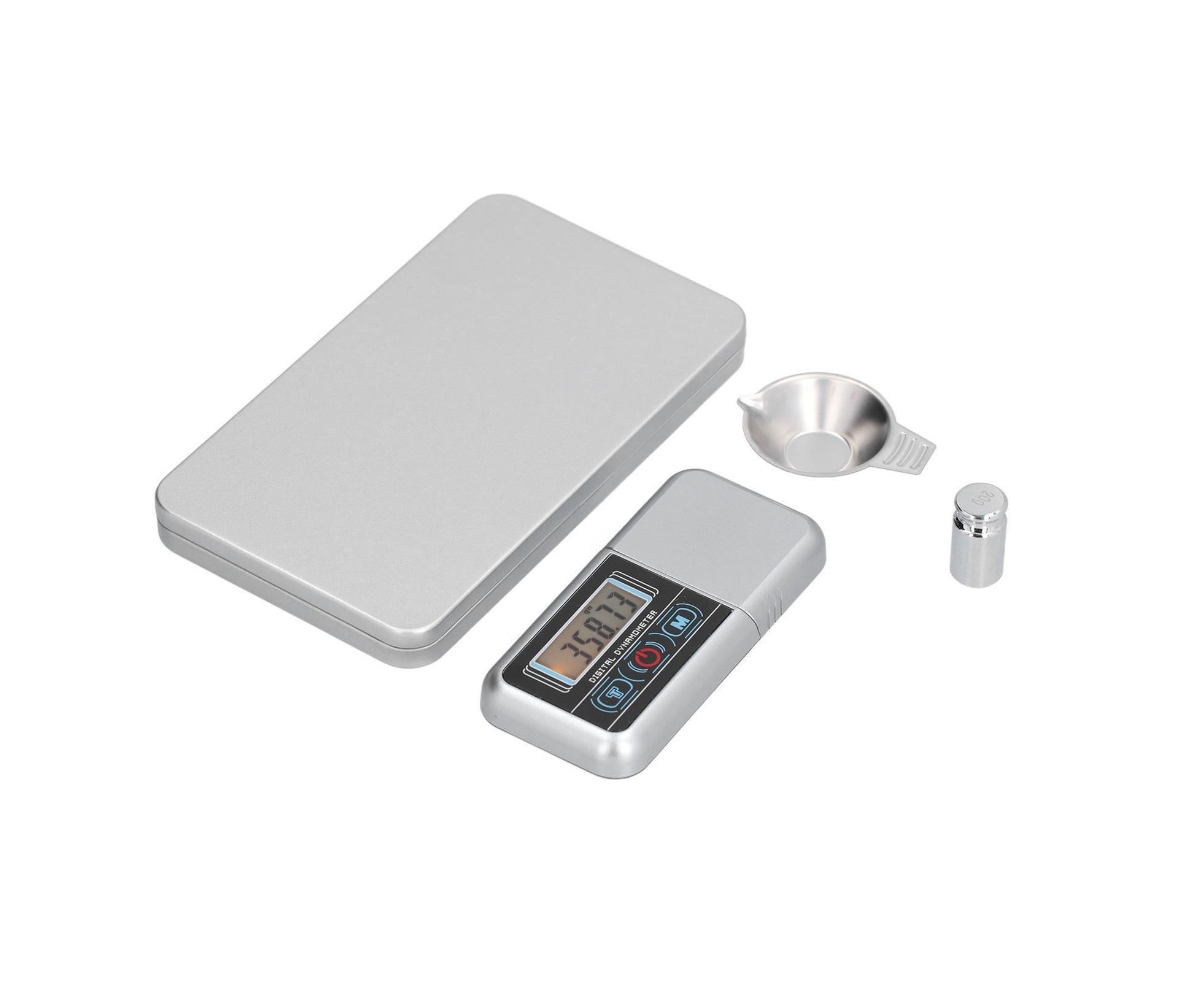
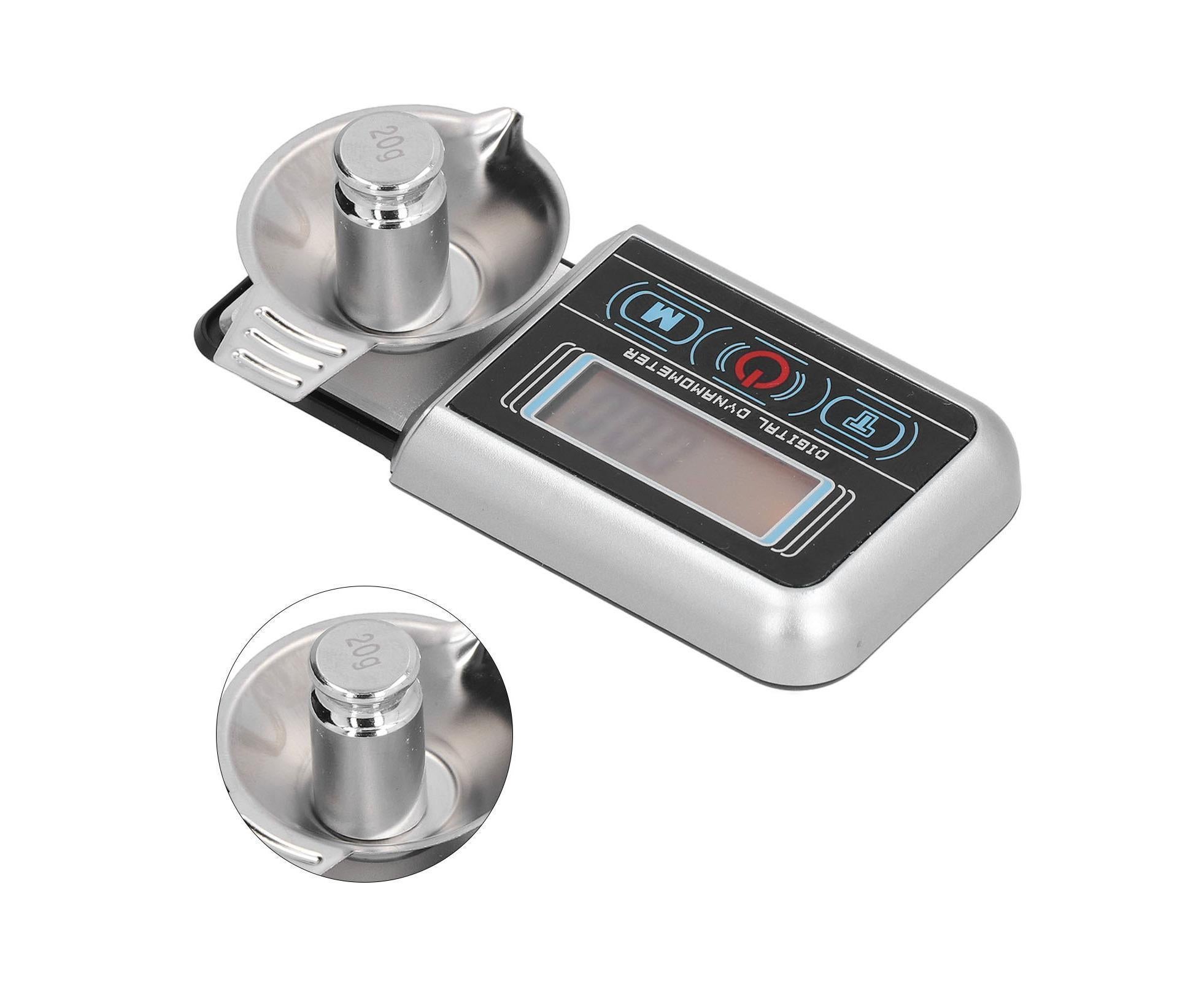
This mini electronic scale is designed for precise jewellery and small item measurement, with a measuring range of 0.005g to 100g. It features a large LED display with blue backlight, making readings clear and visible even in low light conditions.
The scale includes anti-slip rubber pads at the base for stable, secure placement on any table surface. A built-in disc prevents items from rolling without compromising measurement accuracy. The compact design measures 9 x 4.5 x 1.2cm and weighs approximately 134g.
Key specifications include ABS and stainless steel construction, with an iron and silicone base for durability. The scale operates on a single AAA battery (not included) and includes a calibration weight for accurate readings when temperature variations occur. Unit conversion and tare functions allow you to adjust measurements easily.
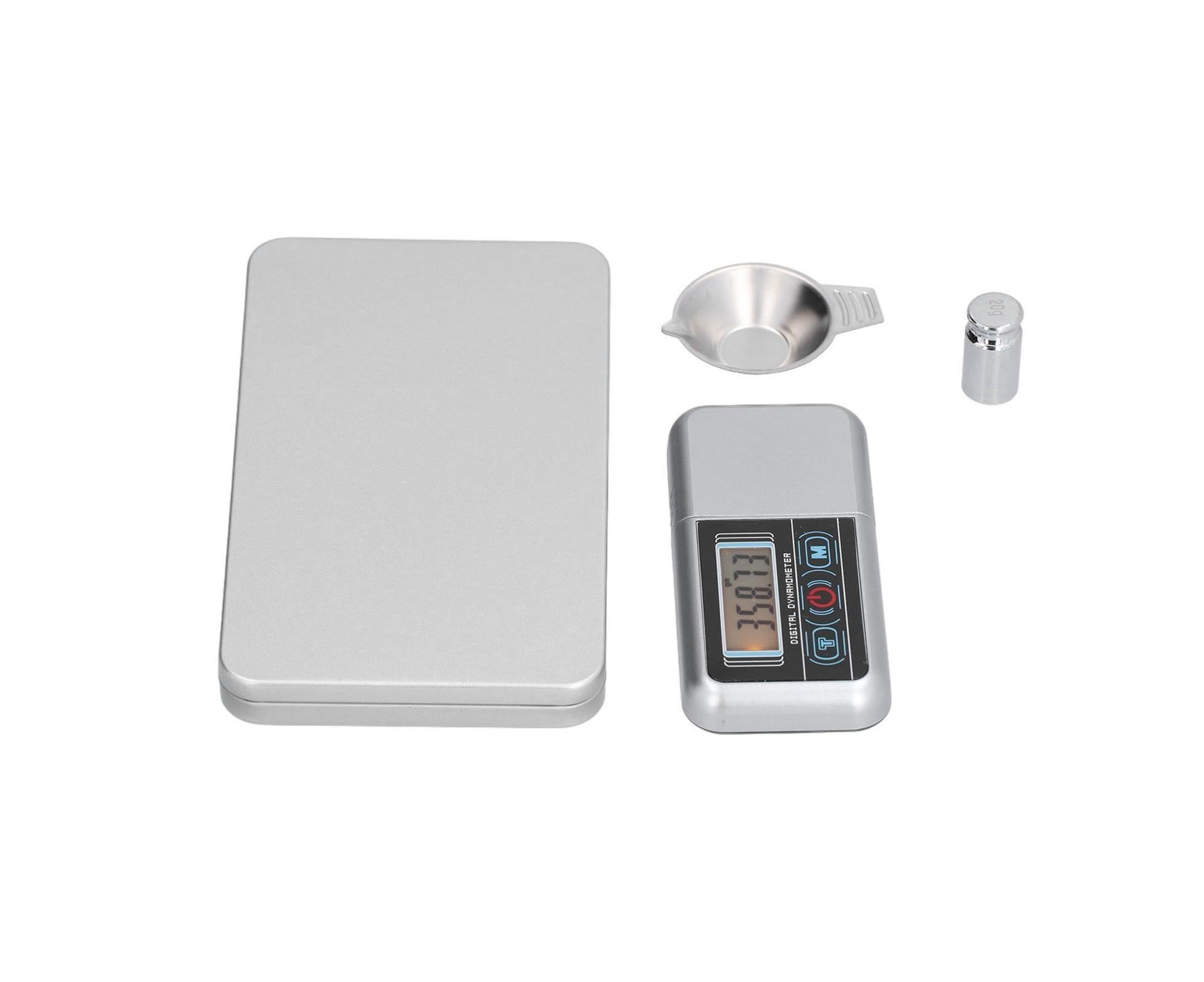
The package includes the electronic scale, protective disc, calibration weight, storage box, and English manual. Best results are achieved when used in a stable, vibration-free environment between 10–30°C. Avoid using mobile phones within 30cm of the scale during operation, as this may affect accuracy.
For maximum accuracy, allow the scale to acclimate to room temperature for at least 30 minutes before use, and calibrate using the provided weight if temperature conditions vary significantly.
Check the battery level regularly and replace when the Lo symbol appears on the display.